
The FordPass® app is Ford's all-in-one mobile companion designed to help you stay connected to your vehicle, manage your ownership experience, and access helpful features right from your smartphone. Whether you're at home in Dacono, Colorado, at work, or heading off on an adventure, the app puts a wide range of tools at your fingertips, adding a layer of convenience you didn’t know you needed. It's available for both iOS and Android devices and is free to download.
Key Features of the FordPass® App
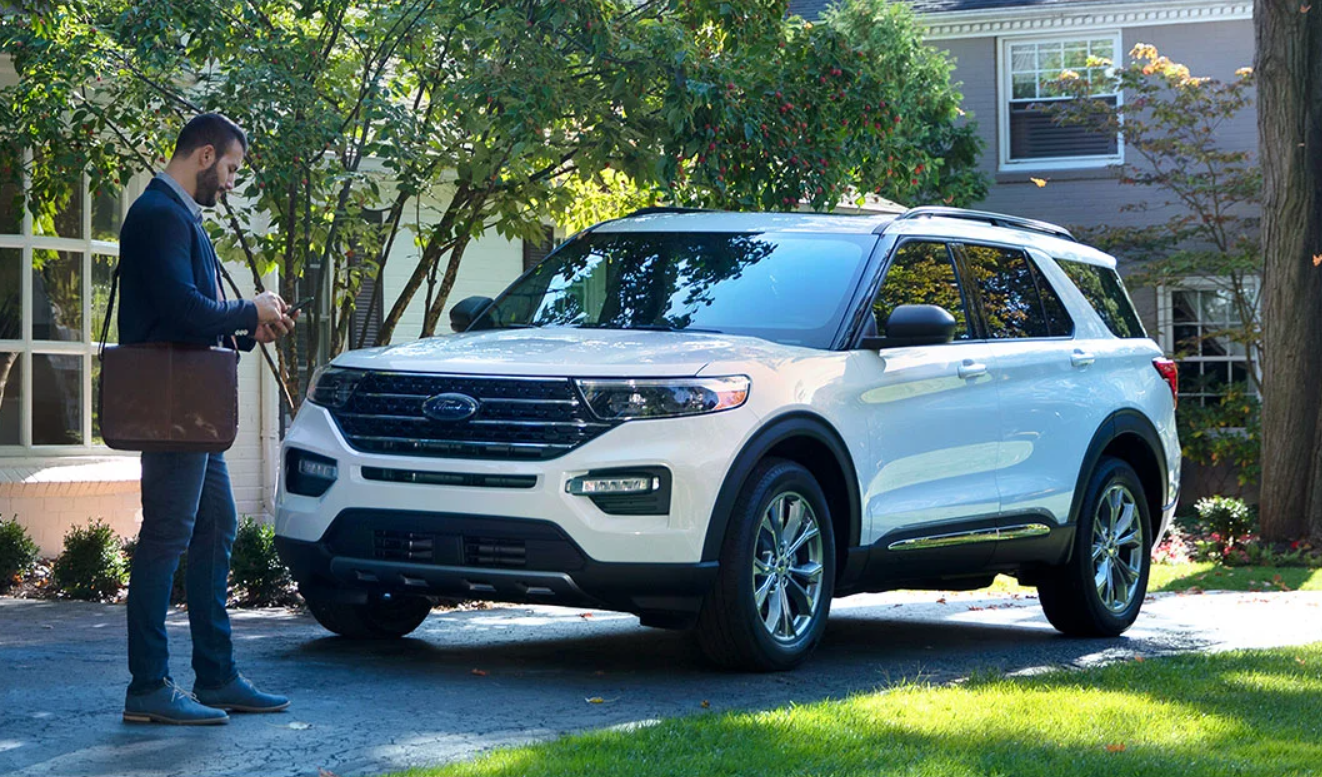
The FordPass® app goes well beyond basic vehicle information. Once you're set up, you can remotely start your vehicle, lock or unlock your doors, check your fuel level, and monitor tire pressure—all from your phone. For drivers in Dacono, CO, these remote capabilities can be especially useful during cold Colorado mornings when you want your vehicle warmed up before you head out.
The app also connects to Ford Rewards, allowing you to earn points toward Ford service, parts, and accessories ranging from floor liners to cargo organizers. It feels like a little extra cash in your pocket when you go for your next oil change or have to replace something in your cabin.
How FordPass® Connect Works on Compatible Vehicles
First you have to make sure FordPass® Connect is equipped with the built-in modem in your Ford that makes remote features possible. FordPass® Connect is the embedded connectivity system found in many newer Ford vehicles, and it's what enables the app to communicate with your car or truck in real time.
When FordPass® Connect is active, your vehicle essentially becomes a connected device. This means the app can send and receive information between your phone and your Ford. Features like remote start, vehicle status updates, and location tracking all rely on this connection. This app can even give you a map to your vehicle when you forget where you’ve parked. You may need an active subscription or trial period depending on your vehicle's model year and trim level, so be sure to check.
Getting Started with the FordPass® App
Learning how to use FordPass® Connect is straightforward. Start by downloading the FordPass® app from the App Store or Google Play. From there, create a free account or log in if you already have one. Once logged in, you'll add your vehicle using the VIN or by syncing it directly through your Ford's touchscreen. After your vehicle is linked, the full suite of available features will appear based on your specific model and connectivity plan. If you're not sure whether your Ford is compatible, the app will guide you through the setup process and let you know which features are available for your vehicle.
Ford Rewards and Owner Benefits
One of the most underappreciated parts of the FordPass® app is the Ford Rewards program. Every time you schedule service, purchase parts, or take your vehicle in for maintenance, you can accumulate points that add real value over time. The app makes it easy to track your points balance and see what rewards are available.
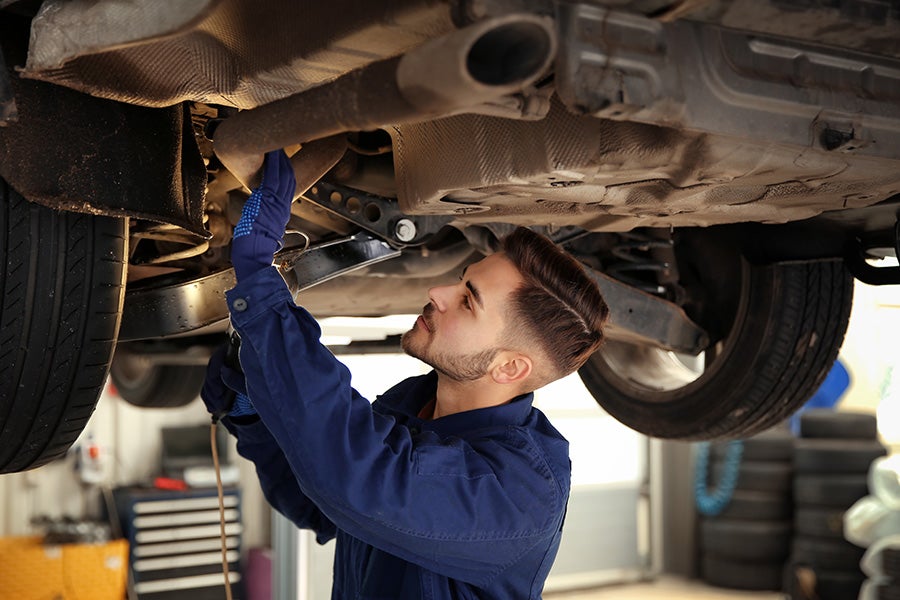
The FordPass® app also gives you access to Ford Mobile Service scheduling and other owner tools. You can schedule service without making a phone call and have a technician come to your door to perform it. It doesn’t get a whole lot more convenient than that.
Start Using the FordPass® App Today
The FordPass® app is one of the easiest ways to get more out of your Ford ownership experience. From remote vehicle access to rewards and service scheduling, it's built to make everyday life a little less stressful. Drivers in Dacono, CO, can visit Interstate Ford or see us online to learn more about compatible Ford vehicles and how to get connected today.